
How do I sign into Cast It Reach?
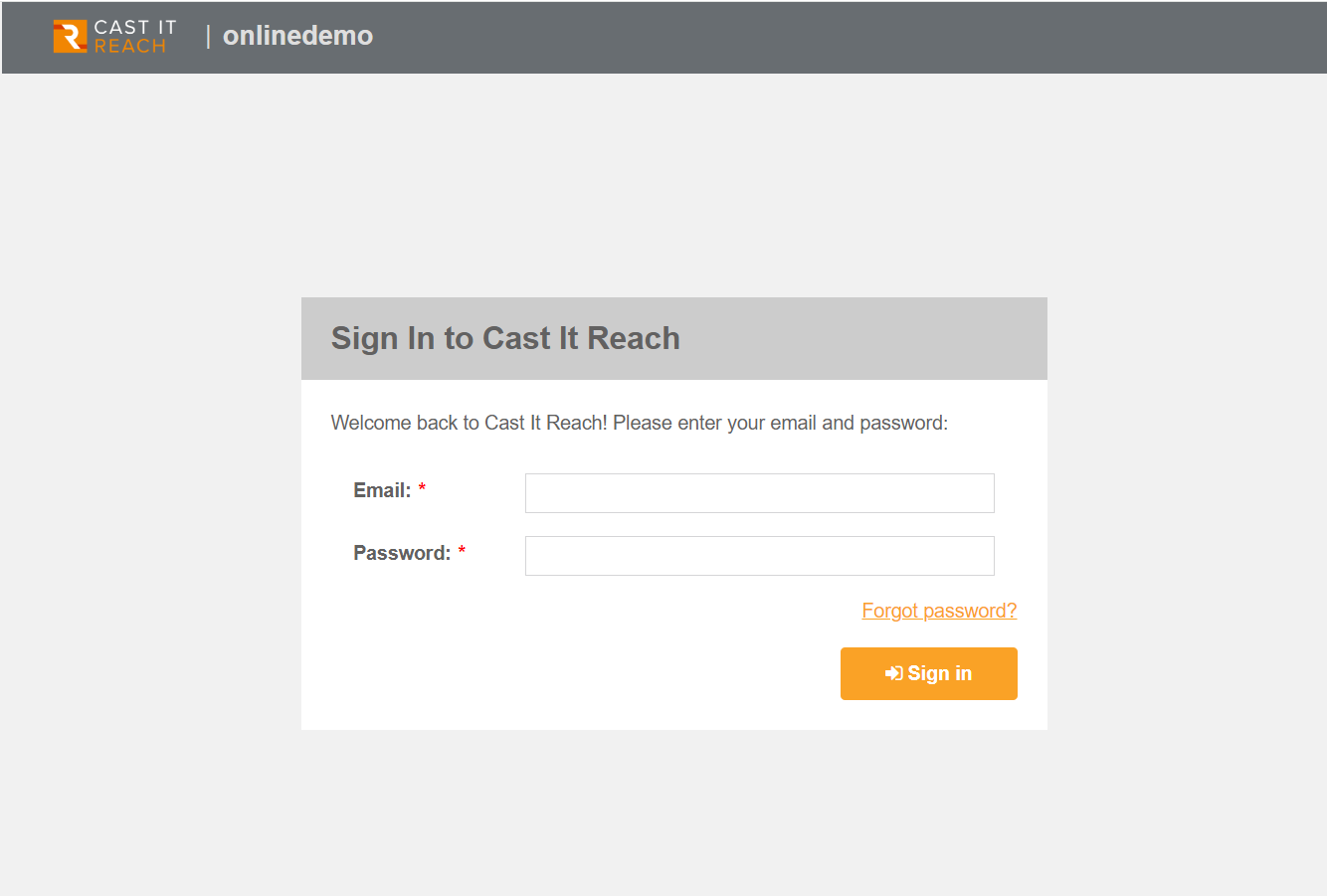
Signing in to Cast it Reach
Once your Account and first Campaign have been created, you will be sent an email with your initial sign in details.
The email will contain a secure password and the sign-in URL. Click on the URL to access your Account sign-in screen. Each client Account on Cast It Reach has a unique sign-in URL, so please bookmark this for future reference.
You will be asked to input a new password on your first sign-in. We request that you adhere to your own Data protection standards and use a unique, secure password (i.e. not one that you have used elsewhere).
Periodically, you will be asked to create a new password to maximize data security. Please use a new password each time you are requested to do this.
Having trouble signing in?
Check the following options if you are having issues with signing in to your account:
Password incorrect: You may have accidentally copied a blank space at the beginning or end of the password you were sent in the email. Check this by
pasting to password you copied into a plain text file (e.g. Notepad) and checkingEmail address not valid: Again, if you place a space at the end of your email address, the platform will not recognize this as a valid email address. Remove the space and this error message will disappear.
Not received your password email: Please check with your IT team first that the email has not been blocked from being delivered to your inbox. The email will be sent from notifications@castitreach.com